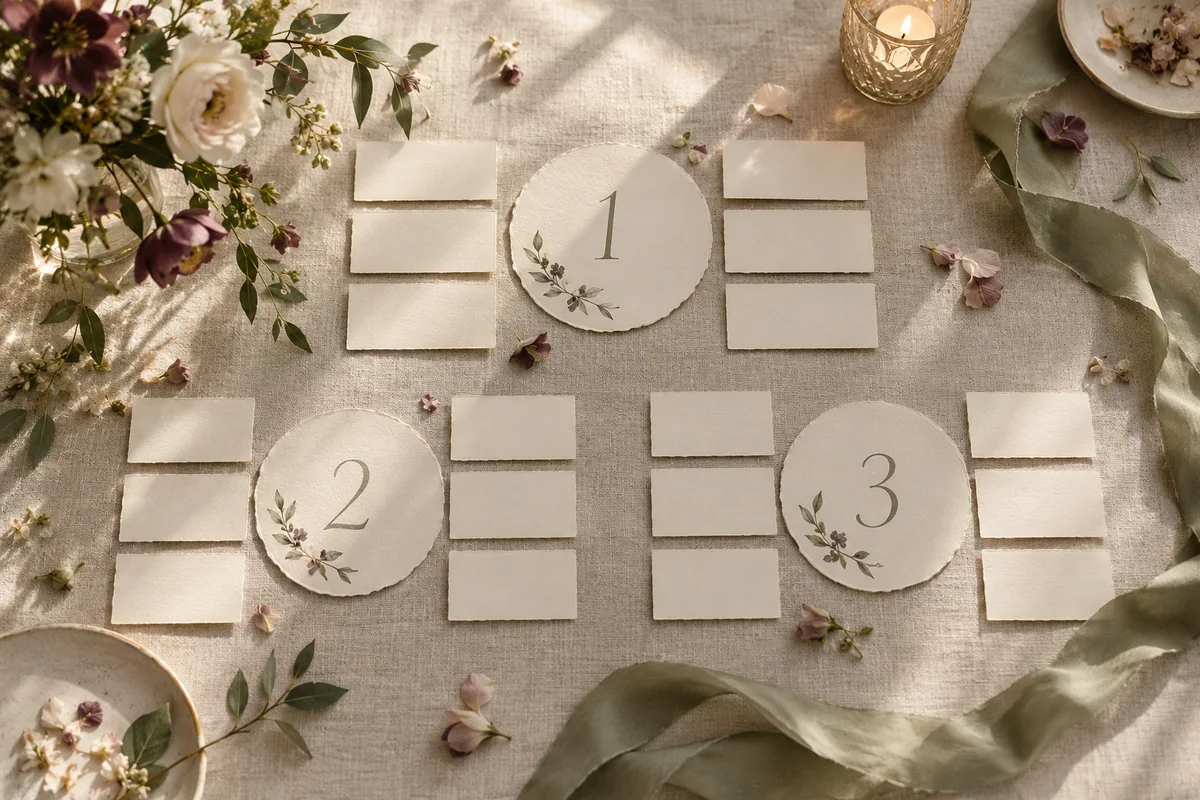
Step 1: How many tables do I need?
Ask your venue how many people each table seats, then divide your guest count by that number and round up. 120 guests at 10 a table is exactly 12 tables. 115 guests would still need 12, with some seats to spare.
If you have a top table or a head table, count the guests sitting there separately, as they don't need a seat at the other tables.
Step 2: Which groups should sit together?
Sort your guests into groups: each side of the family, school friends, work friends and so on. Mark the groups you want kept at one table, and seat those first, largest first, while there is still room.
A group bigger than one table has to be split. The seating chart maker splits it into table-sized blocks and shows a note, so you can choose where each part sits.
Step 3: How do I keep two people apart?
Write down any pairs of people, or whole groups, who should not share a table. Seat them next, before the tables fill up, so each has a table that works.
Check every table against your list once everyone is placed. A single move later on can put two people together without you noticing.
Step 4: Fill the rest and fine tune
Seat everyone else where there is room, then look at each table as a whole. Move anyone you like: swap a quiet guest next to someone they know, or bring a lone friend over to a table of people their age.
If your rules leave someone without a seat, add a table or loosen a rule.
Step 5: Print the plan and place cards
Print the plan with one block per table, so the venue and your helpers can set it out. For place cards, print an A to Z list of every guest with their table, which also helps guests find their seat on the day.
SOURCES
Official sources
This guide uses the tool's own method and your own figures. It has no outside facts, so there are no sources to list.